Working in a meeting
Interactive whiteboard
A whiteboard can be prepared in advance, opened during the meeting and continued after it. All participants draw at the same time, changes sync instantly and are not lost when the connection drops.
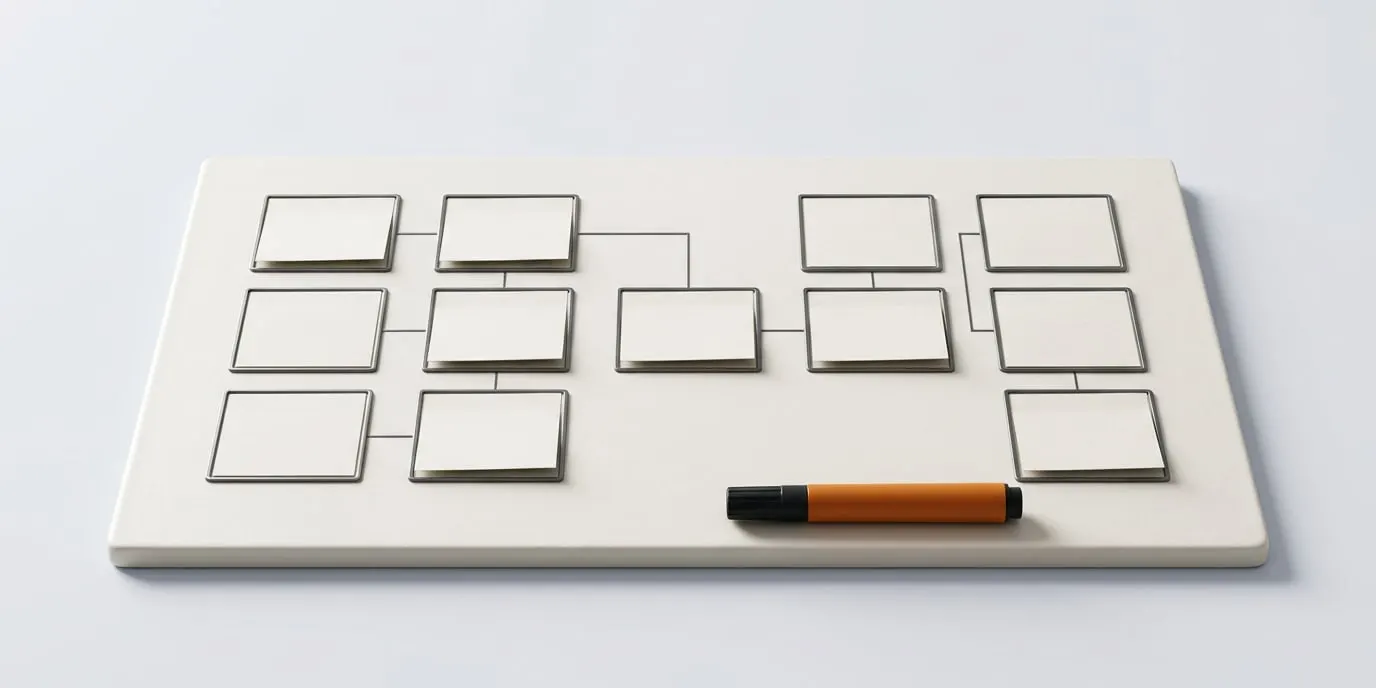
What’s included
- Pen, lines, shapes, arrows, text, sticky notes, images, frames and an eraser
- Templates: blank board, grid, kanban, matrix and process diagram
- Real-time co-editing without edit conflicts
- Editing rights: everyone, the presenter only or moderators only
- The whiteboard opens right in the meeting and is saved as a meeting material
- Export to PNG and PDF
Available from the Start plan. Compare plans
Frequently asked questions
Does the whiteboard disappear after the meeting?
No. The whiteboard is kept in the “Whiteboards” section and in the meeting materials, so you can return to it and use it in later meetings.
Can participants be prevented from drawing?
Yes. The host can limit editing rights to the presenter or moderators.
Other features
Run your first meeting today
An organization is created on your first sign-in with A3.ID. The Free plan gives up to 10 users and 25 participants per meeting, and the setup wizard prepares policies for your industry.